Feature highlight

Manage sub-accounts for the whole family

Parents book trainings for their children without a separate login. Admins keep full visibility and manage every sub-account in one place.
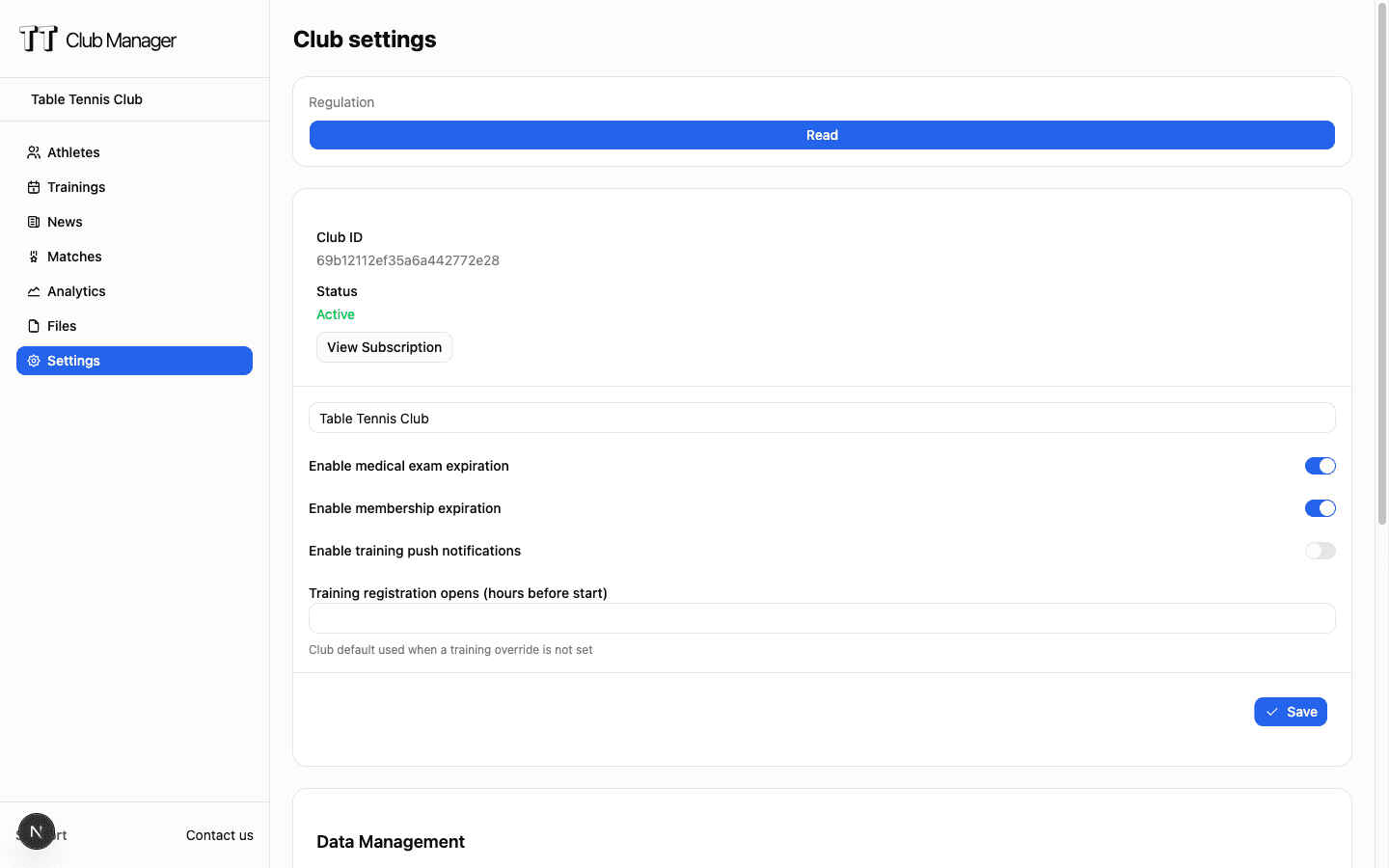
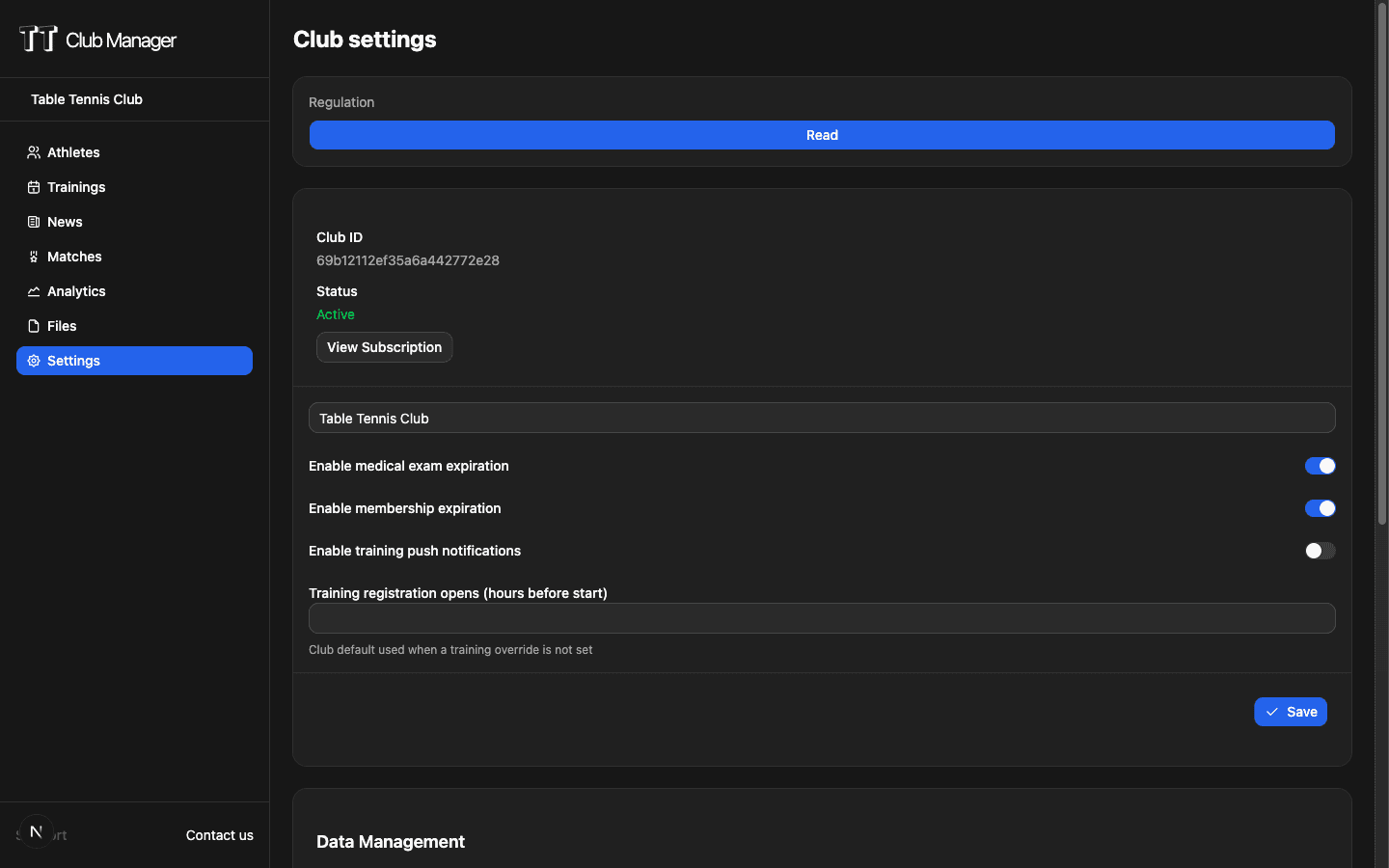
TT Club Manager sub-account management interface

One login, whole family

Parents manage their children from a single account. No separate sign-ins, no lost passwords for every child.

Self-service for parents

Parents add and manage their own sub-accounts in Settings. No admin action required to get started.

Full admin visibility

Admins see every sub-account across the club and can add or manage accounts on any member's behalf.

How sub-accounts work

Two views that stay in perfect sync

1

Add a sub-account

From Settings → Sub accounts, the parent enters the child's first and last name and clicks Add sub account. The child is linked to the parent's login.

2

Book and manage

The parent books trainings for the sub-account, updates names and contact details, or removes the account from the child's detail page.

3

Stay in sync

Whatever a parent adds is visible to the admin, and vice versa. Each parent only sees their own sub-accounts; admins see everything.

Who benefits from sub-accounts

Built for families and the clubs that serve them

For parents

Manage children's sub-accounts from Settings, book trainings on their behalf without a separate login, and keep track of everything from one account.

For club administrators

See all sub-accounts linked to each member, add accounts on their behalf, and open any sub-account's details to review and manage it.

For junior and youth programs

Simplify registration for young players by letting parents handle bookings. Coaches see attendance normally across every sub-account.

For the whole family

Keep training bookings, contact details, and attendance history for every family member organized under a single parent login.

Sub-account management comparison

See how TT Club Manager handles family accounts

FeatureManual/Other toolsTT Club Manager
Child registrationSeparate login and email for every child
Sub-accounts linked to the parent's single login
Booking for childrenParents book on behalf using shared credentials
Book directly for each sub-account in a few clicks
Admin oversightNo visibility into which parent owns which child
Every sub-account visible and manageable by admins
Account maintenanceAdmin resets or manages credentials for each child
Parents self-serve; views stay in sync automatically

Common questions

Do children need their own account?

No. Sub-accounts are managed under the parent's login, so children don't need a separate email or password to be booked for trainings.

Can I book trainings for a sub-account?

Yes. Parents can book training sessions for their sub-accounts from the website today, and mobile app booking for sub-accounts is coming soon.

Can admins manage sub-accounts?

Yes. Admins see all sub-accounts linked to any member and can add, review, and manage them from the member's detail page.

Ready to manage your club with sub-accounts?

Start your 7-day free trial today. No credit card required.

TT Club Manager

Your complete table tennis club management solution

© 2026 TT Club Manager. All rights reserved.